
Turning yourself or a fictional character into an AI avatar is easier than most people expect. Whether you want to transform a text description into a lifelike persona or convert a photo into a dynamic digital representation, this guide walks you through it step by step.
If you run a small business, lead a team, create content, or simply like experimenting with new technology, AI avatars open up a lot of practical uses. The most valuable one for most companies: turning an avatar into an AI chatbot that engages visitors on your website.
What are AI avatars?
AI avatars, also called digital personas, are virtual representations of a person created with artificial intelligence. They can be generated from text or photos and customized to match different styles and aesthetics.
A photo-based avatar uses algorithms to analyze facial features and generate a digital likeness of the individual. You can use it for customer support, lead generation, social profiles, or virtual communication. A text-based avatar uses natural language processing to interpret a written description and translate it into a visual persona, matching the characteristics, personality, and tone you specify.
AI avatars are increasingly mainstream, with 58% of B2B and 42% of B2C companies integrating AI chatbots into their websites.
Benefits of using AI avatars
For a small business or agency, an AI avatar is more than a novelty. It is a personalized front door to your brand that can work around the clock.
- Increased revenue: businesses adopting AI technology can expect a 6% to 10% revenue increase by personalizing digital interactions.
- Cost savings: delegate repetitive and administrative tasks to an AI agent instead of paying for them manually.
- Unique representation: an avatar can closely resemble your appearance and brand, helping you stand out.
- Fully customizable: experiment with different aesthetics, styles, and personas to reflect your brand. You can create an avatar in minutes.
- Easy creation: avatars are generated from text or photos rather than built by hand.
- Interactive experiences: brands can deliver tailored, interactive experiences to customers.
- Enhanced marketing: from virtual shopping assistants to brand ambassadors, avatars enable personalized messaging that lifts conversions. Personalized avatars in email marketing can increase open rates by 26%.
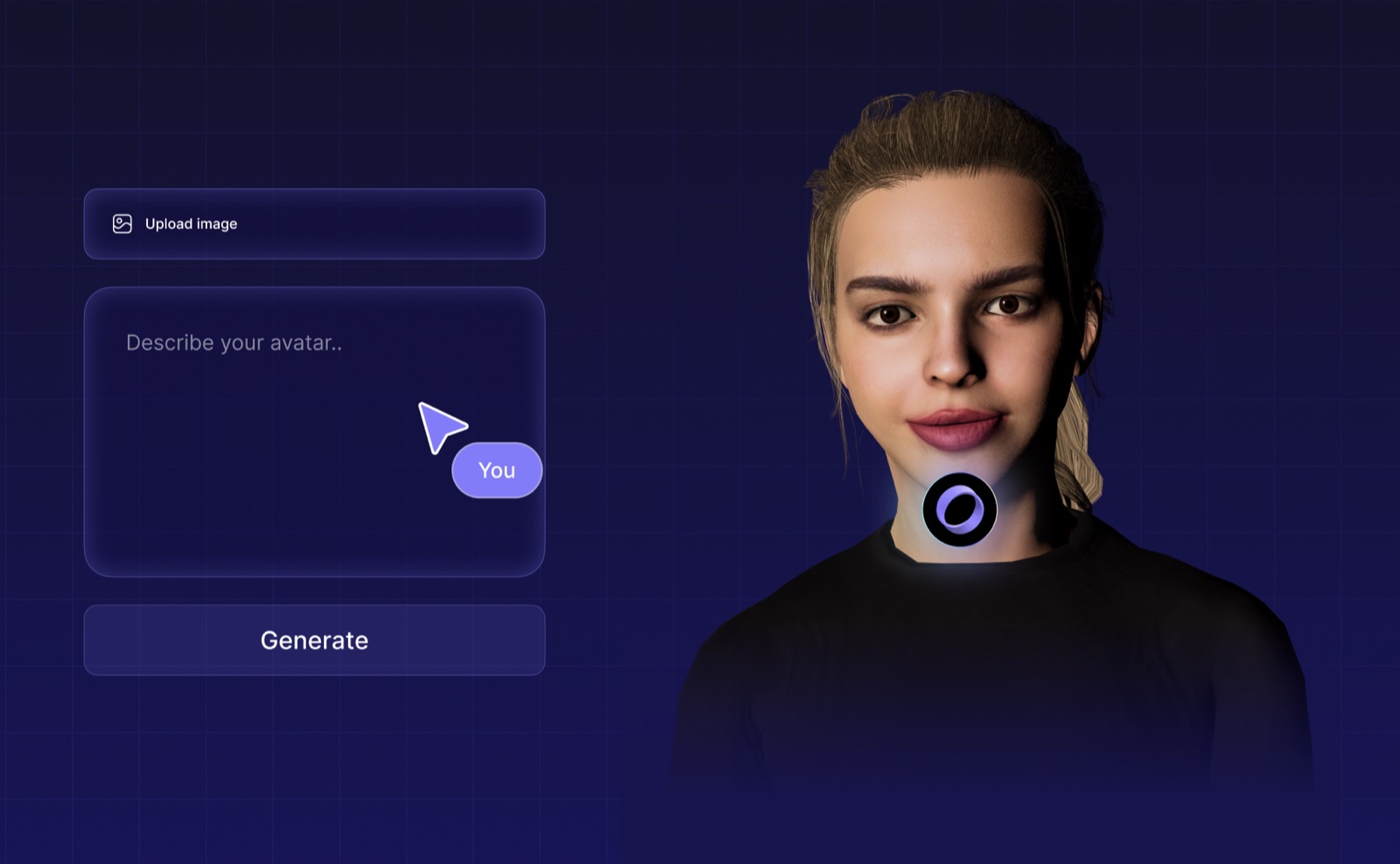
Creating AI avatars from photos
Turning a photo into an AI avatar brings your digital persona to life. Here is what the process looks like.
Step 1: Sign up to Dante AI and build a free AI chatbot
Dante AI uses an advanced algorithm to generate realistic avatars. Before building an avatar, you first create an AI chatbot, which is free, quick, and easy on Dante AI's platform.
Step 2: Upload your photos
Upload the photos that will form the basis of your avatar. Use a clear, well-lit frontal view of your face, plus two photos at 45-degree angles from the left and right. This ensures accurate facial recognition and a more realistic result.
Step 3: Adjust and customize
The avatar creator analyzes your images and generates an initial avatar. From there you can customize facial features, lighting, background, hairstyle, and even outfits to create a unique digital representation.
Pro tip: spend time on the lighting. It is often the difference between a good and a great final output.
Step 4: Save your AI avatar
Once you are happy with the customization, save your avatar. You can then interact with it, share it with your team, or embed it on your website to start engaging visitors.
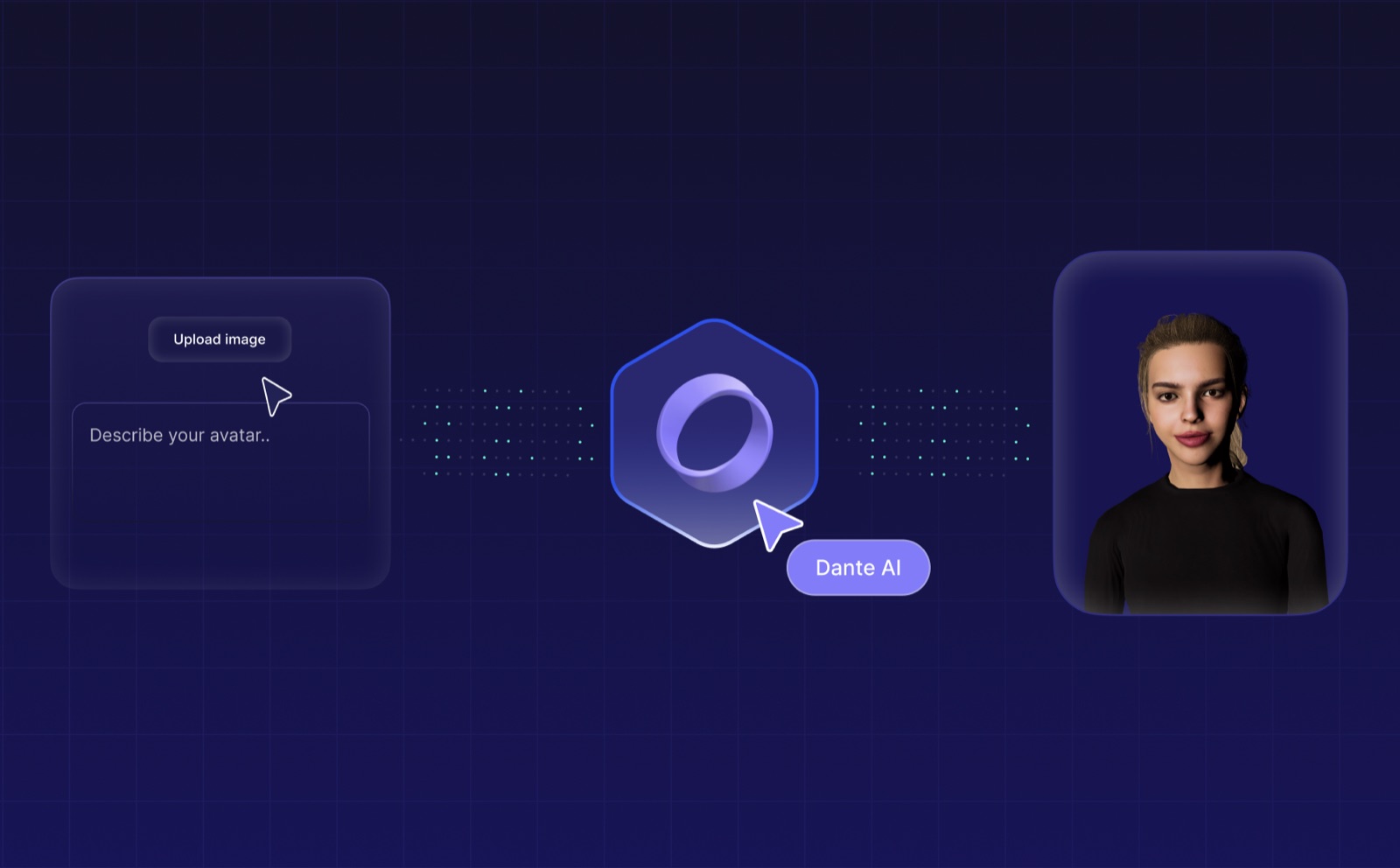
Generating AI avatars from text
Creating an avatar from text brings your words to life without needing a photo.
Step 1: Choose the right platform
Pick an AI avatar generator with a wide range of customization options, such as Dante AI, which can mimic your speech and even your sense of humor.
Step 2: Input your text
Enter your text, whether a short phrase, a quote, or a longer story. The generator analyzes it and creates an avatar that reflects the sentiment and tone of your words. Proofread before submitting to ensure accuracy.
Step 3: Customize your avatar
You get the same customization options as the photo flow. You can also train your AI avatar to respond as you would, adjusting its memory, creativity level, and base prompts so it aligns with your or your business's vision.
Step 4: Generate and share your AI avatar
When you are satisfied, Dante AI generates a high-quality visual representation of your text. You can then share your avatar by interacting with it yourself, sending it to a colleague, or embedding it on your website as an AI chatbot.
Tips for creating the best AI avatars
Choosing the best photos
- Use high-quality, well-lit photos to capture finer details.
- Select images where the subject's face is clearly visible and centered.
- Avoid obstructions such as sunglasses or accessories. If you have longer hair, tie it back.
- Take new photos so the technology has the three required angles (front, left, right) and reflects your current appearance.
Writing effective descriptions for text-based avatars
- Be specific and detailed so the avatar has a clear vision of your persona.
- Experiment with different descriptions and iterate to refine the character.
Create your own AI avatar with Dante AI
AI avatars are a powerful tool for personalization, creativity, and engagement. Generated from text or photos, they help individuals and businesses improve communication, storytelling, and virtual presence.
Whether you use one as an AI chatbot, virtual assistant, AI companion, virtual tutor, or social profile, an avatar makes your digital experience more personalized and interactive. For a small business, the highest-leverage use is embedding it on your website so it engages visitors and answers questions automatically.
Build your custom AI avatar today with Dante AI.
Further reading
Keep going with these guides from the Dante AI library: